Reports
Stock Movement and Valuation Reports
Analyze product flows, warehouse balances, source quantities, unit cost, and inventory value.
- Stock movements are listed under Stock → Movements, filtered by date, item, warehouse, type and source document. See Stock movements and warehouse transfers.
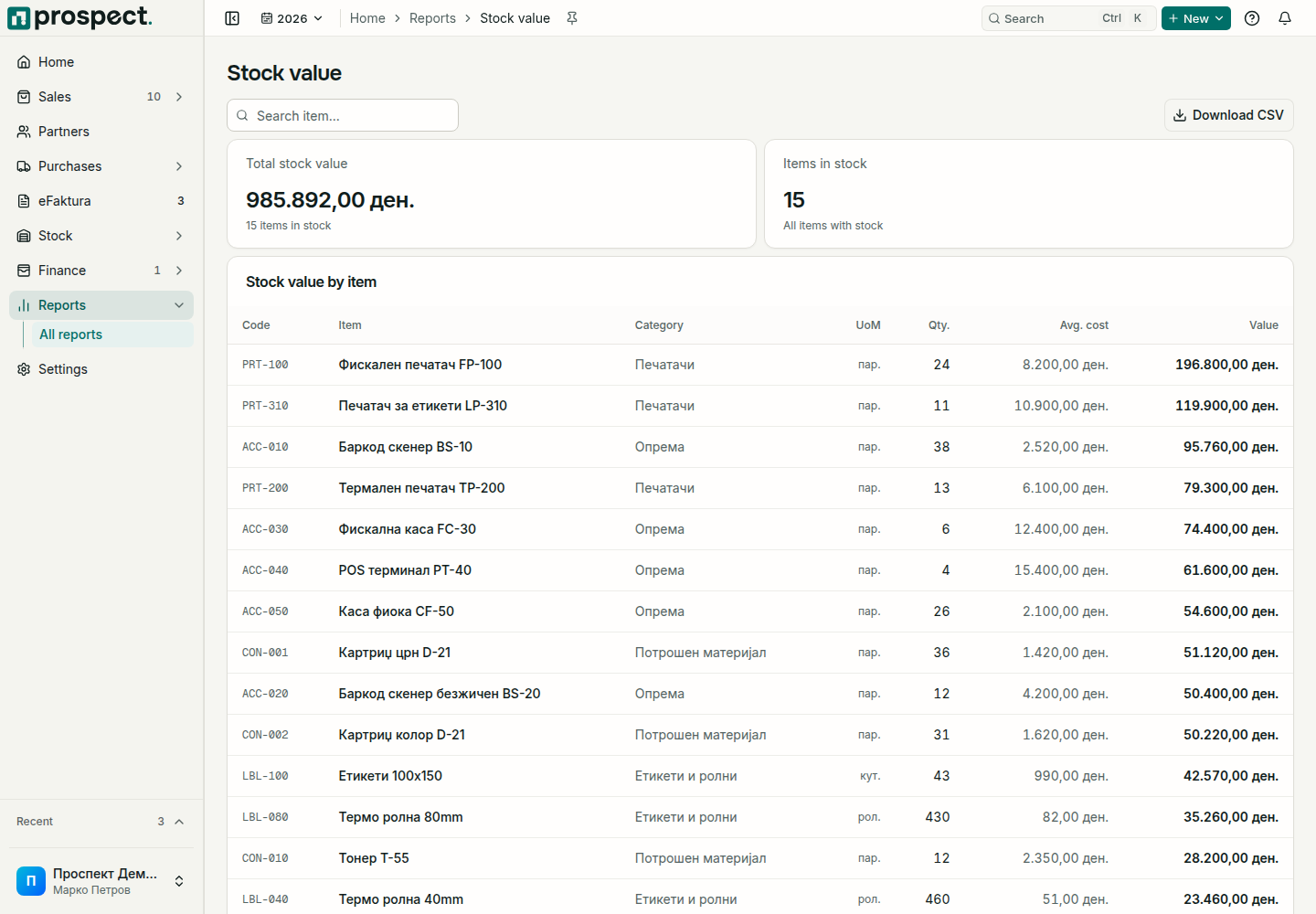
- Stock valuation (Stock → Stock valuation) shows quantity, average cost and value per item, with the calculation behind each cost. Reports → Stock value opens the same page.
- Stock value on a past day, for example for the year-end inventory list: open Finance → Month close for that month and follow its stock step.
Quantity and value answer different questions. A receipt can establish both quantity and cost; a transfer changes warehouse location but not company-wide quantity; a finalized landed cost can change value without new physical quantity; a return or cancellation creates a traceable reversal effect.
When totals differ from a physical count, filter the same warehouse and period, inspect source links, then use the real correction workflow. For valuation differences, review chronological layers and backdated documents before comparing with the external ledger.
Stock value on a past day